Phoenix Diagnostics
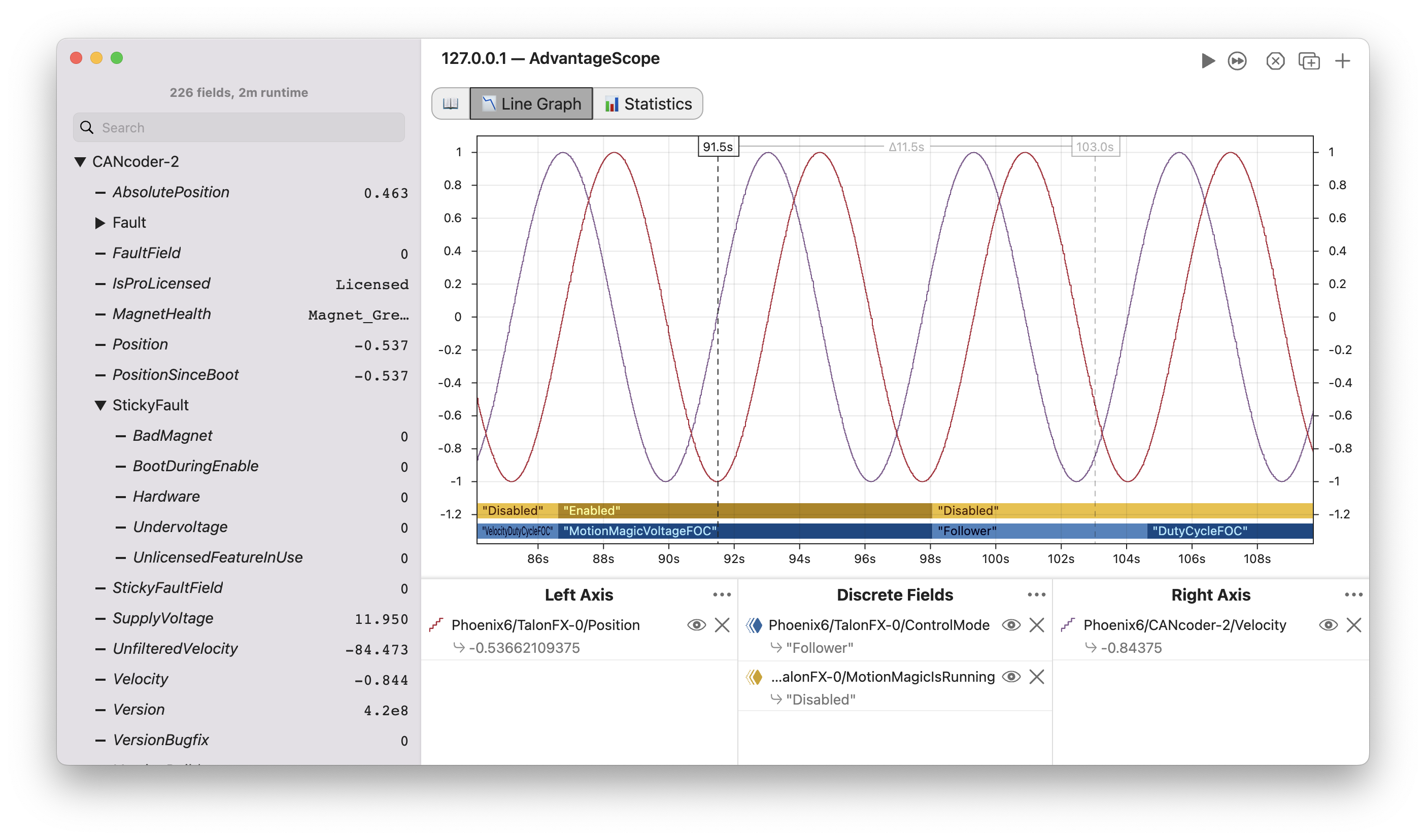
AdvantageScope supports live-streaming of signals from Phoenix 6 devices with no setup in user code. This enables easy debugging and tuning of Phoenix devices using the familiar interface and full power of AdvantageScope:
- Flexible visualization options, including support for multiple axes and discrete fields
- Full support for unit-aware graphing, including implicit and one-click unit conversion (docs)
- Live preview of all values in the sidebar for easy browsing
- Support for plotting and signal preview from multiple devices simultaneously
- Decoding of enum values as human-readable strings (control modes, bridge status, CANcoder magnet state, etc)
- Integrated sidebar tooltips with descriptions and units for each signal
- Hierarchical organization of signals, grouped by CAN bus, device, and signal type
- Advanced data analysis with built-in integration and differentiation options (docs)
tip
To connect, select "Phoenix Diagnostics" when connecting to the robot or simulator from the menu bar.
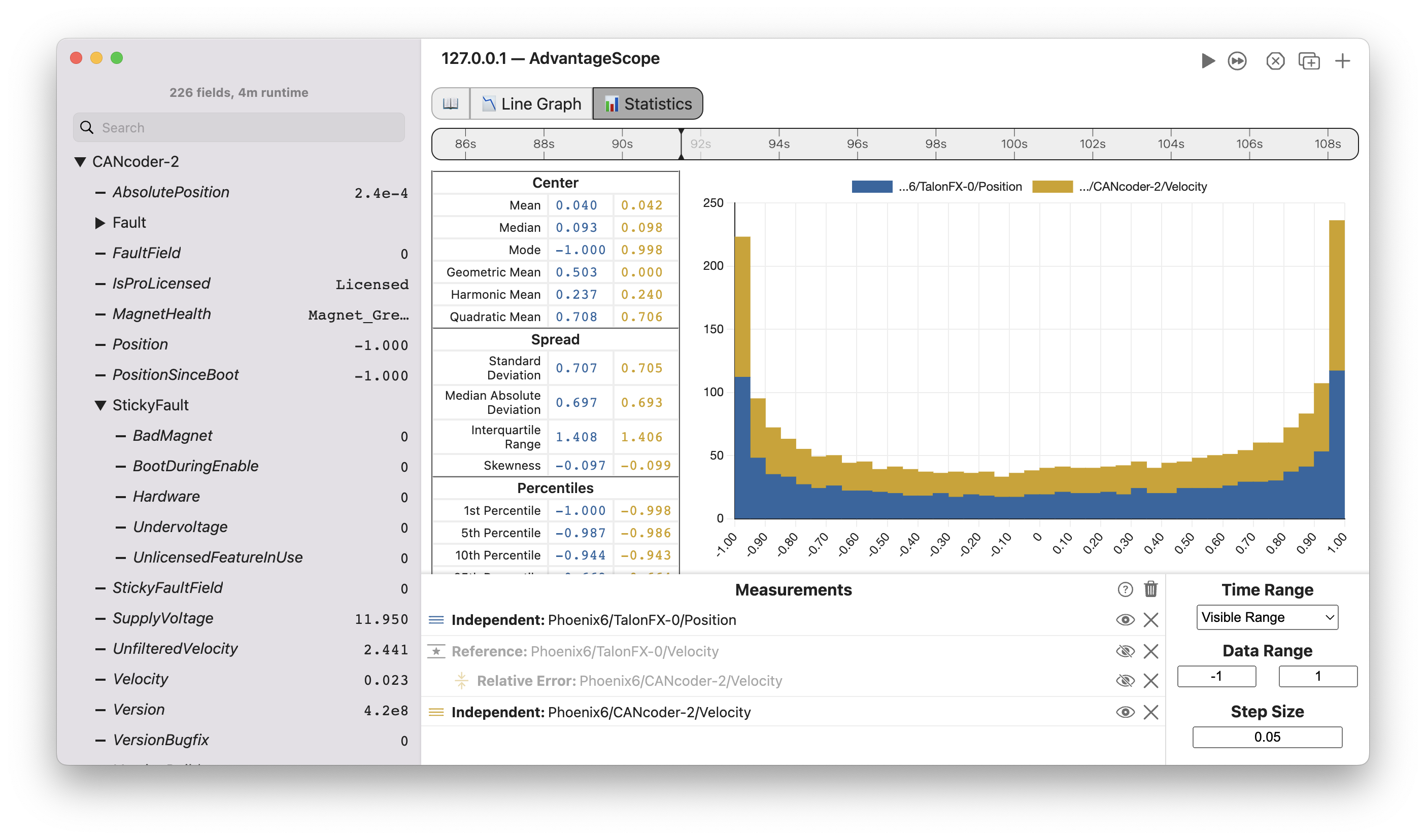
AdvantageScope's 📊 Statistics tab also enables advanced analysis of Phoenix signals, with support for histograms, custom ranges, and derived fields for relative and absolute error measurements:
note
This feature may occasionally experience issues as a result of Phoenix updates. We recommend using the latest version of AdvantageScope to minimize issues. Otherwise, please open an issue to let us know about any problems.